|
||||||||
 |
|
 |
|
|
|





 |
 |
 |
 |
 |
 |
 |
 |
 |
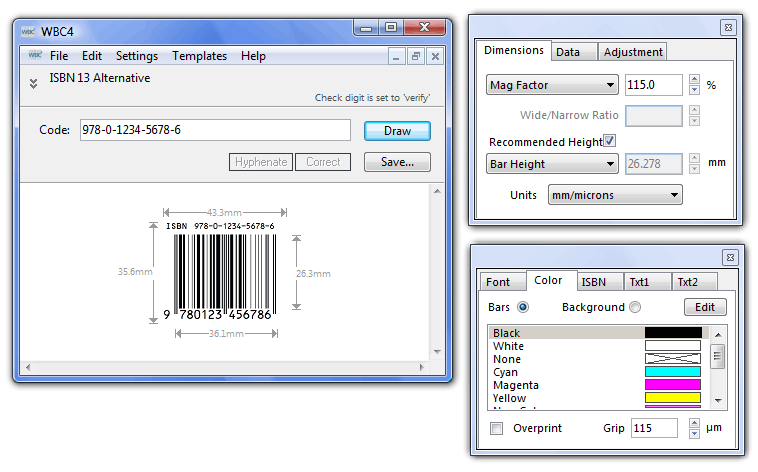
The Main Windows Once the bar code type has been selected, WBC4 displays the main bar code window and 2 'floating' panels of controls. Each palette has a number of tabs. Clicking on a tab will bring it to the front.
|
|
||||||||
|
|
|
|
|
|
|
|
|
|
|
|
|
|
|
The Main Windows Once the bar code type has been selected, WBC4 displays the main bar code window and 2 'floating' panels of controls. Each palette has a number of tabs. Clicking on a tab will bring it to the front.
|